


1
Pick your languages
Choose the language you speak and the one you're learning. Chrome downloads the language pack once.
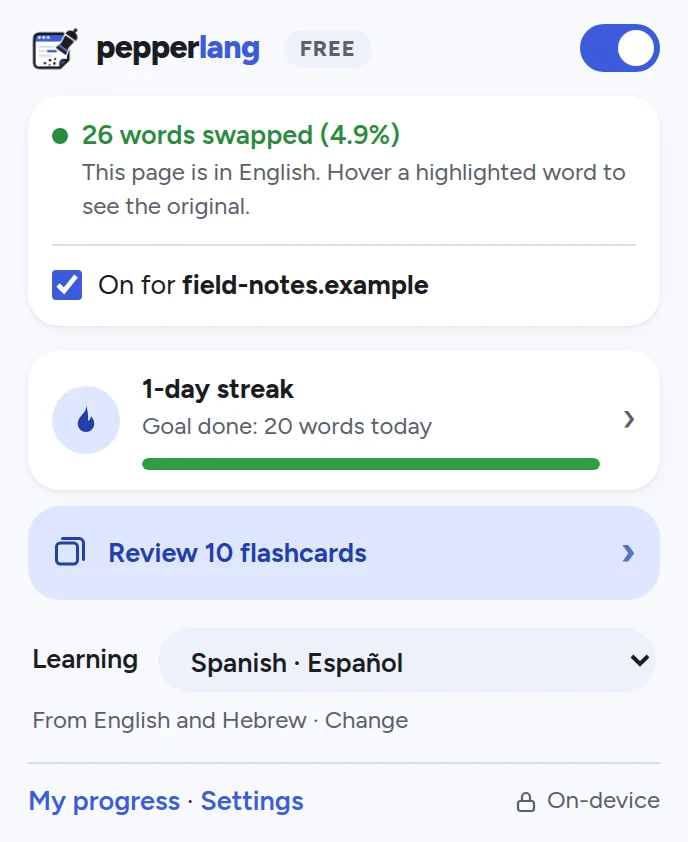
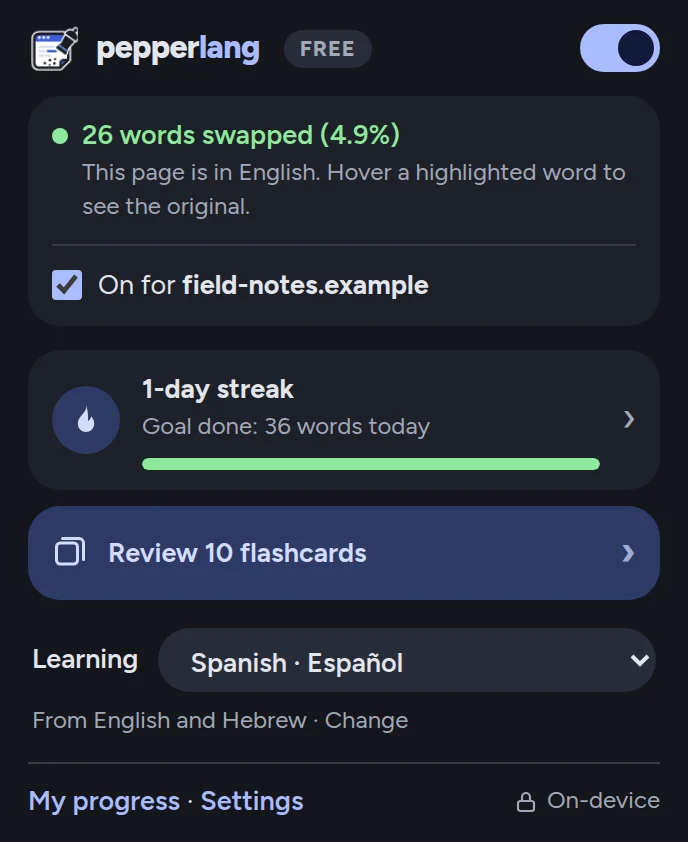
Pepperlang swaps a few words on every page you read into the language you're learning. You pick them up from context, a little every day, without setting aside study time.
Translates on your computer. No account needed. Nothing you read is uploaded.
The platform was almost empty when the noche train pulled in. Within minutes the carriages were moving north, past the last houses of the city and into the campo.
Many pasajeros say the viaje is the point: breakfast in the restaurant car, the montañas outside the ventana, and the feeling that the holiday has already begun.
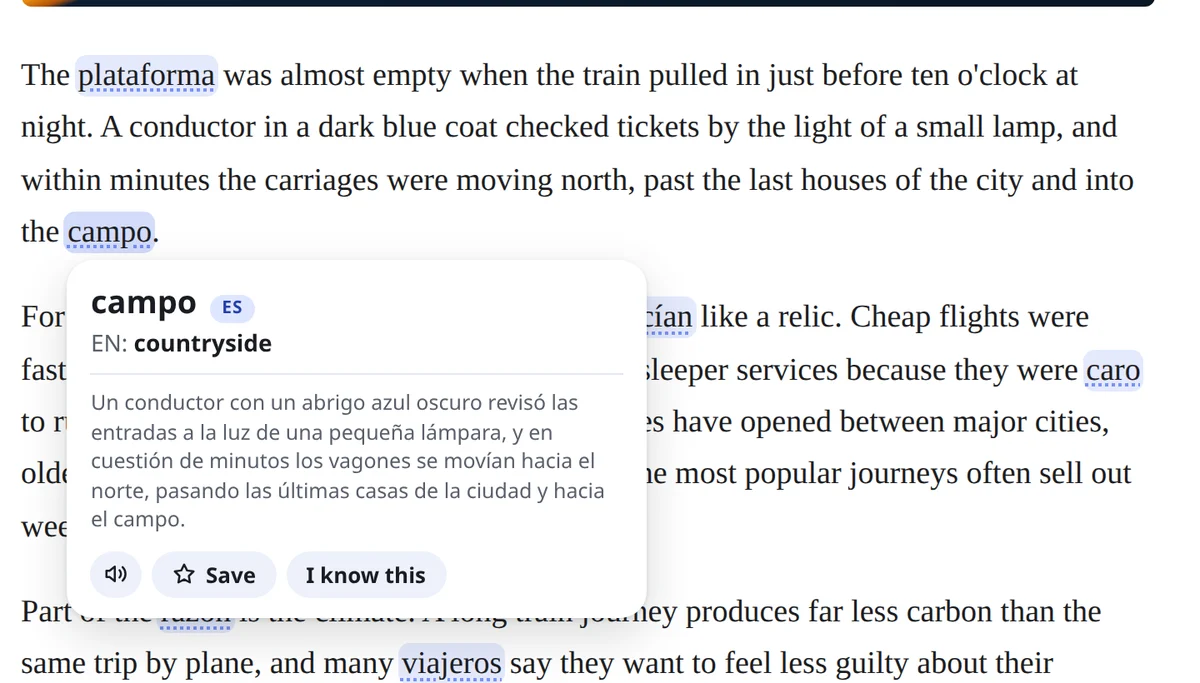
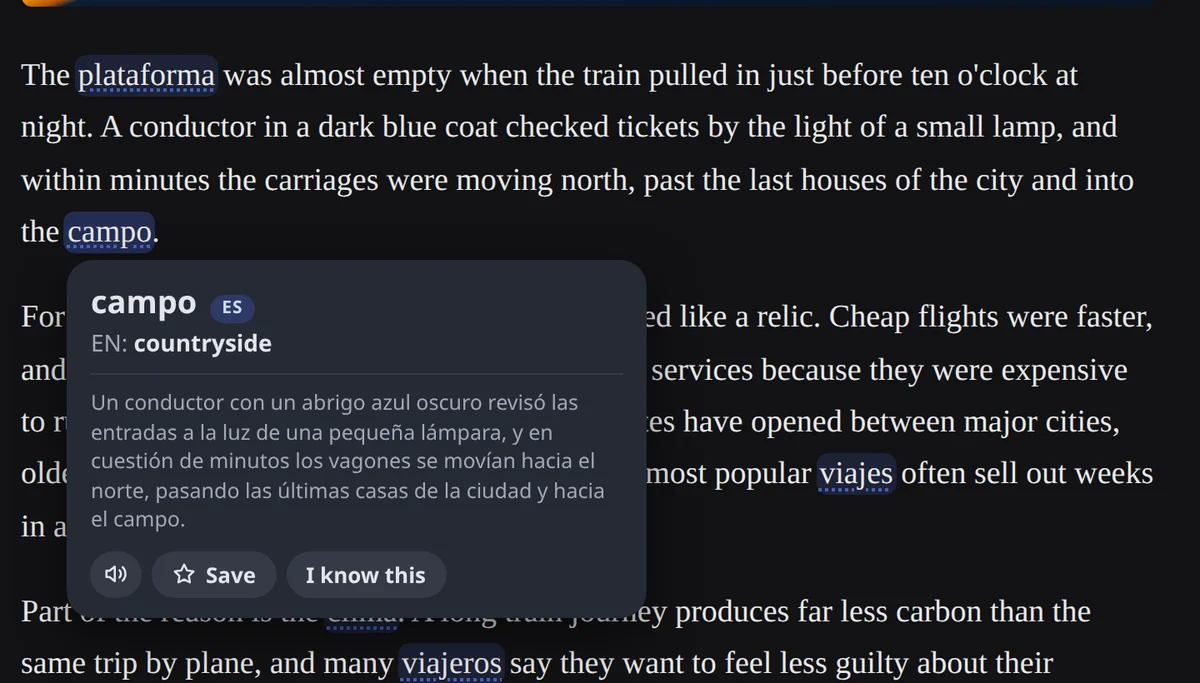
Hover or tap a highlighted word. This is a live demo of the tooltip.
No lessons to schedule and no flashcards to start with. You learn from the articles, blogs and posts you already read.
Choose the language you speak and the one you're learning. Chrome downloads the language pack once.
About 1 in 25 words switches to your new language, chosen to fit the sentence. Hover one to see the original, hear it, or save it.
Your progress page counts every word you meet, keeps your streak and shows how close you are to the next milestone.
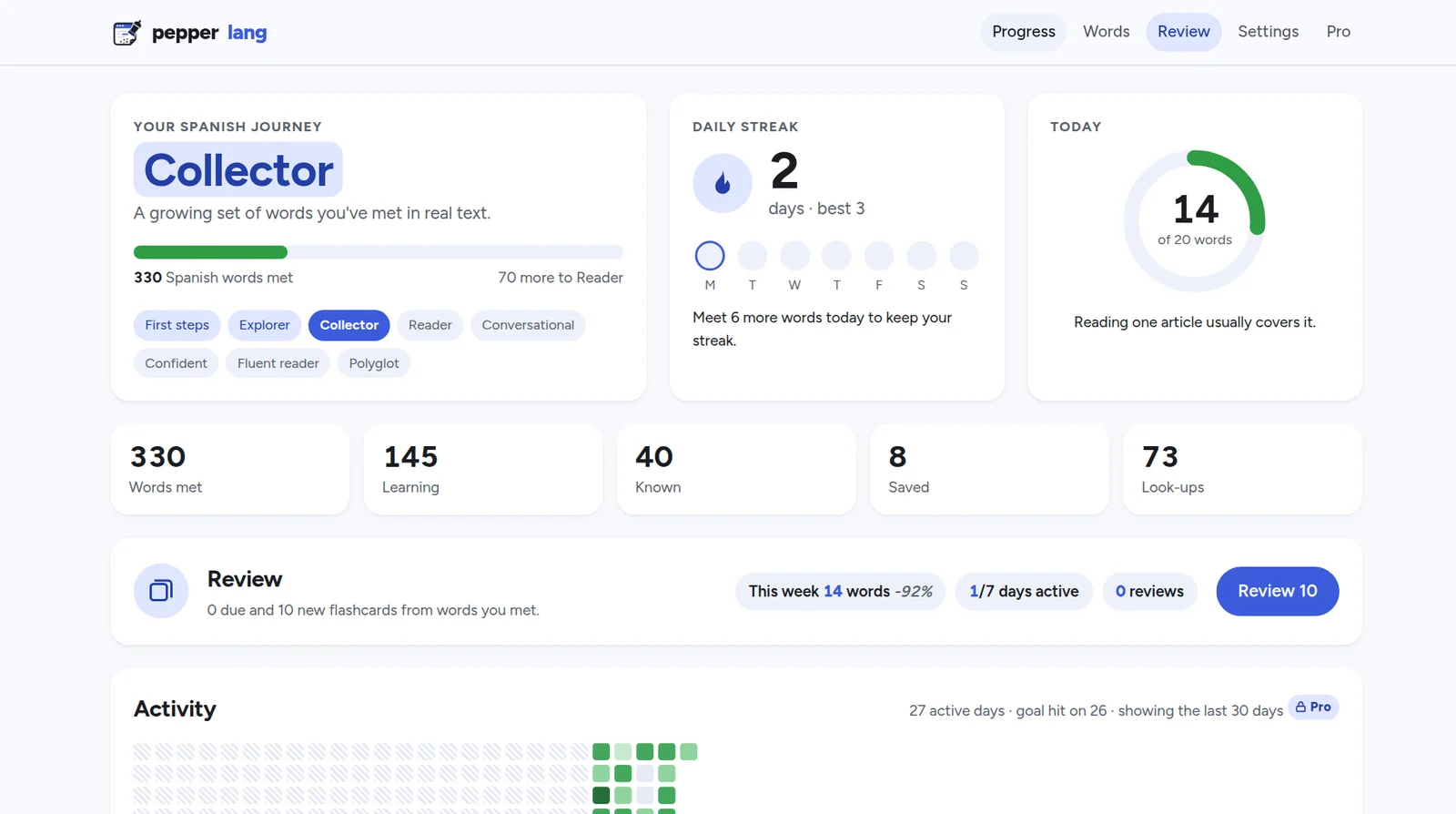
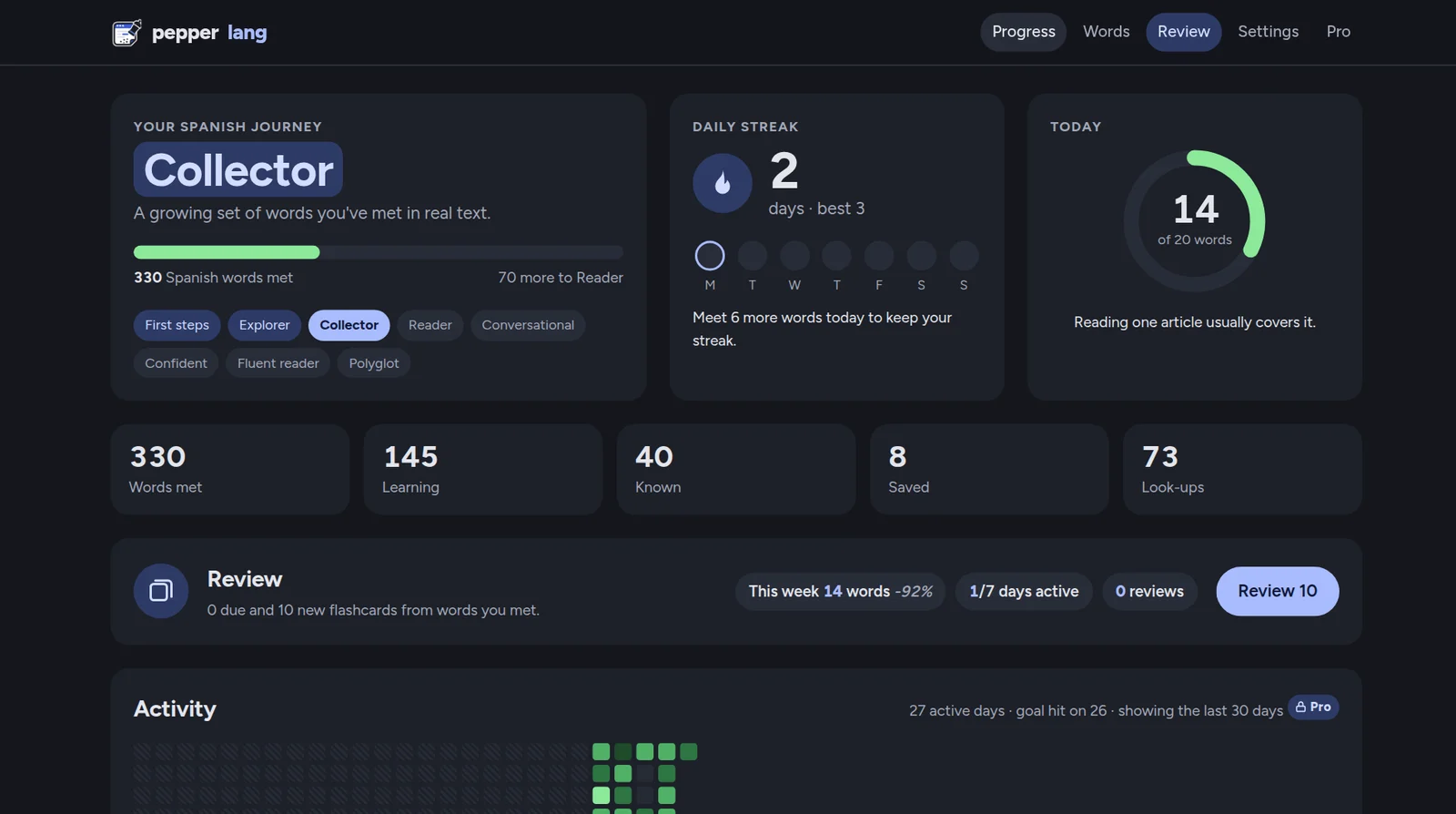
A journey from First steps to Polyglot, a daily goal ring, streaks and a 26-week activity map. Your streak follows you to your other computers through Chrome Sync.
Words are translated in their sentence, so "bank" becomes the right word.
We sat on the orilla of the river.
She opened a banco account.
From your first word to a thousand, a 30-day streak and a second language.
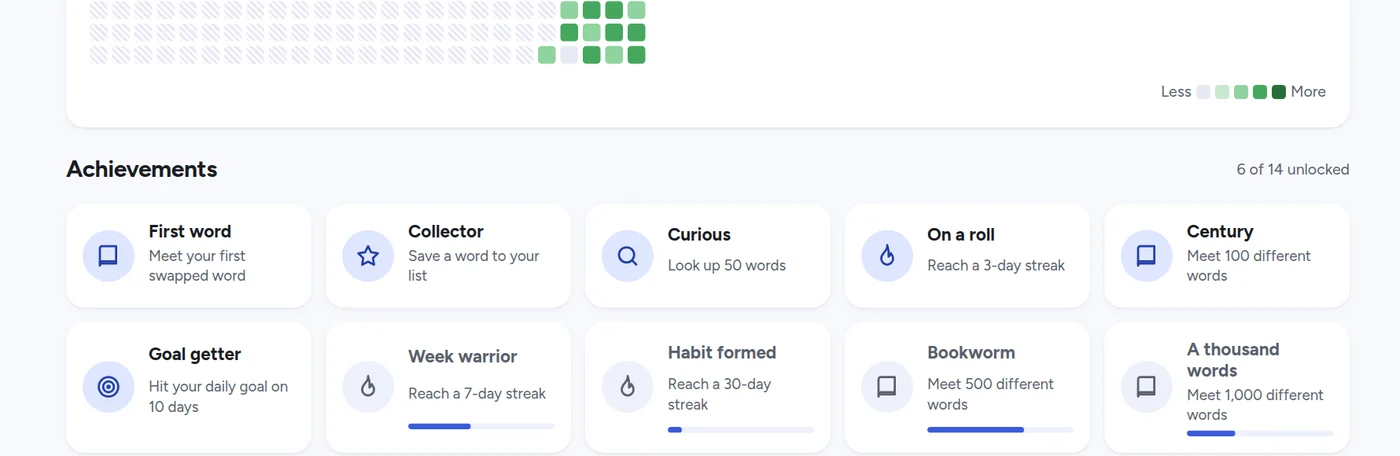
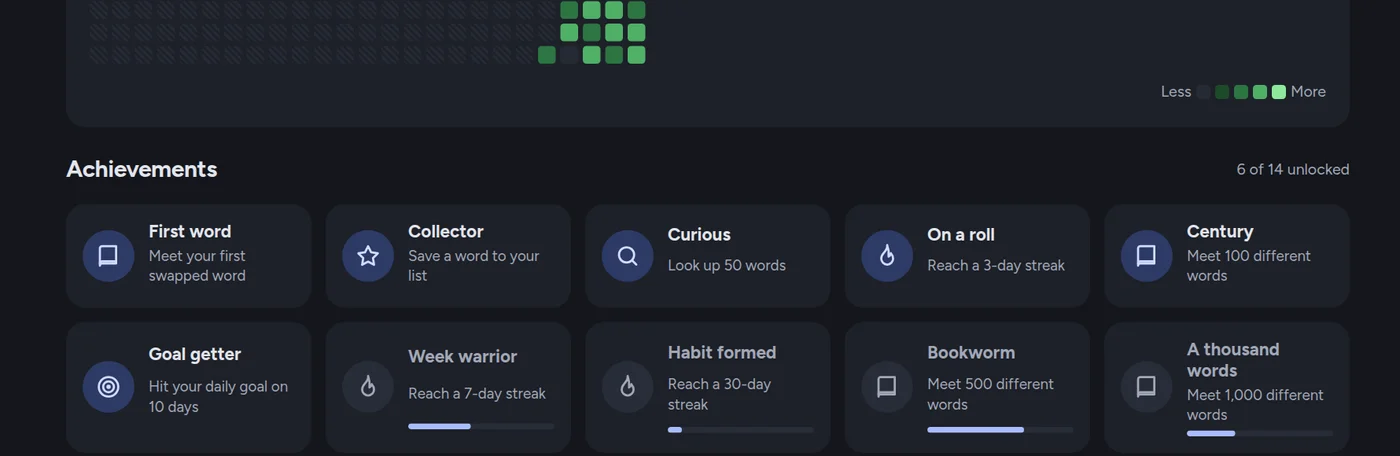
Search, listen, save, or mark words as known. Export your list as CSV.


Words you met while browsing become spaced-repetition cards, with the sentence you saw them in. Pro adds quick quizzes.
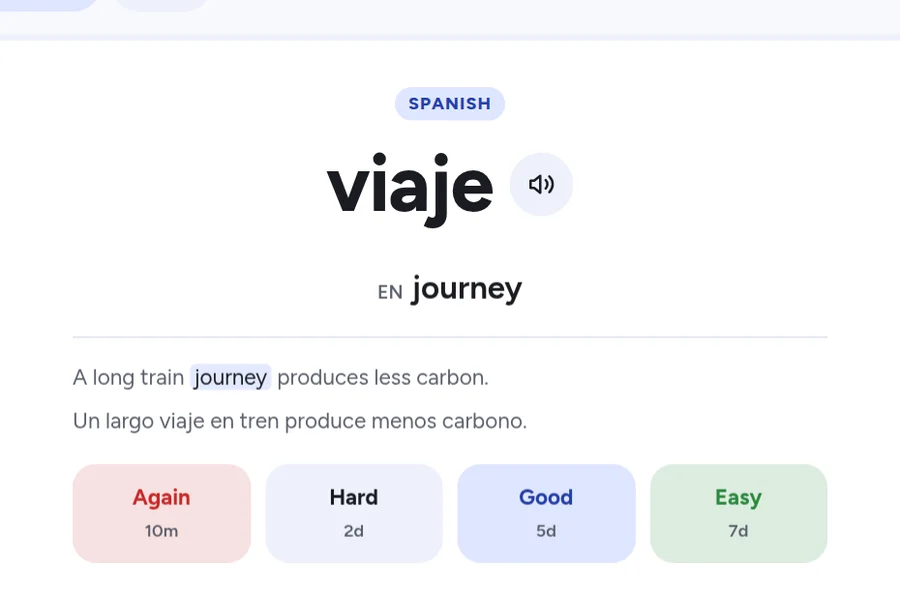
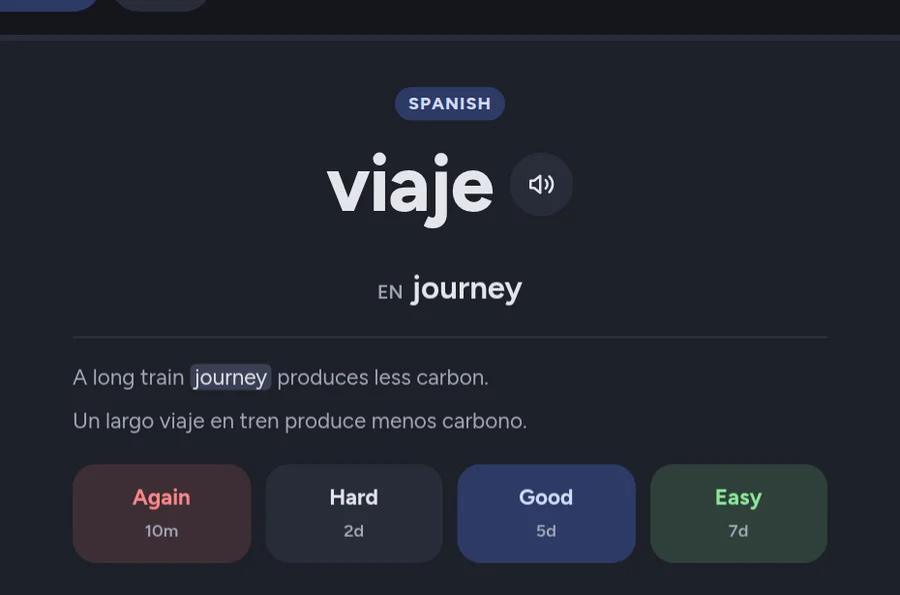
Choose beginner, intermediate or advanced, and Pepperlang picks words by how common they are. Smart repetition brings back the ones you're still learning, and phrase mode adds two-word phrases.
Pronunciation with the voices already on your computer. Online voices only if you switch them on.
Mark a word as known and it stops being swapped, so you always see something new.
News, blogs and endless feeds, including text that loads as you scroll. One click turns it off on any site.
Most translation tools send the page you're reading to a server. Pepperlang uses the AI model built into Chrome, so translation happens on your own computer.
What does use the internet: if you buy Pro, your license is checked with your email address. To improve Pepperlang, the extension sends anonymous usage counts, like "a daily goal was reached", with no words, pages, sites or email; you can turn them off in Settings. Online voices are off by default; if you turn them on, only the word being spoken goes to your browser's voice service. Read the privacy policy.
Speak Hebrew and learning Russian? Speak English and learning Japanese? Pick the language you know and the one you want, in any direction.
Word-swapping extensions have been around for a while. Pepperlang was built around two things: it's private, and it covers far more languages.
| Feature | Pepperlang | Toucan by Babbel |
|---|---|---|
| Languages you can learn | 39 | 12 |
| Where translation happens | On your computer, with Chrome's built-in AI | Not stated in its store listing |
| Website content collected | Never: pages are read on your computer only | Yes, according to its store listing (with personal information and user activity) |
| Works offline | Yes, once a language pack is downloaded | Not stated in its store listing |
Toucan details are taken from its Chrome Web Store listing, checked on 7 November 2026, and may have changed since. Toucan and Babbel are trademarks of their owners; Pepperlang is not affiliated with them.
Apps ask for 15 minutes a day. Pepperlang fits into reading you already do.
You learn the vocabulary of the topics you care about, not textbook lists.
Your reading stays yours. No server could leak the pages you read, because no server ever receives them.
Everything you need to learn every day is free. Pro adds tools for turning words you've seen into words you remember.
Prices in US dollars. Sales tax or VAT may be added at checkout depending on where you live. Payments are processed by Paddle.com, our Merchant of Record. See the Terms and Refund Policy.
Yes, where it matters most. Pepperlang uses the translation and language-detection models built into Chrome, which run on your computer. The pages you read, the words swapped into them and your word list are never sent to us or to anyone else. A few things do use the internet, and none of them include your reading: anonymous usage counts (like "a daily goal was reached", which you can turn off in Settings), the license check if you buy Pro, and Chrome Sync, which carries your settings and streak to your other computers inside your own Google account.
Yes. Sign in to Chrome with the same profile and Pepperlang installs itself, with your settings, streak and activity history. To bring your saved words and word history too, use Settings → Sync and backup → Download backup, then Restore on the new computer.
Desktop Chrome 138 or newer on Windows, macOS, Linux or ChromeOS. The first time you choose a language pair, Chrome downloads its language pack once. The optional Gemini Nano double-check needs a more powerful computer and more disk space.
Not yet. Chrome on Android and iPhone doesn't support extensions.
No. By default about 1 in 25 words is swapped, and only words that fit the sentence. You can change the amount, mark words as known, or turn Pepperlang off for any site with one click.
Each word is translated inside its sentence, then checked against the full-sentence translation before it is shown. Words that look like names are skipped. Mistakes can still happen; hover any word to see the original.
Open Pepperlang, go to Pro and choose "Sign in with Google" using the same email you paid with. Pro unlocks on every computer where you sign in. Bought with a different email? Enter the order number from your receipt and it links to your account. Signing in is only needed for Pro; the free version needs no account.
You can cancel any time from the link in your receipt email or at paddle.net, and keep Pro until the end of the period you paid for. If you're not happy, ask for a refund within 30 days of purchase. See the Refund Policy.
Pepperlang is made by an independent developer. Questions and feedback go to support@pepperlang.com.
Install Pepperlang, pick a language and keep browsing.
Add to Chrome, it's free